
Best MCP Servers for AI Agent Video Editing in 2026
- By - HeySERP Team.
- 23 Oct, 2026
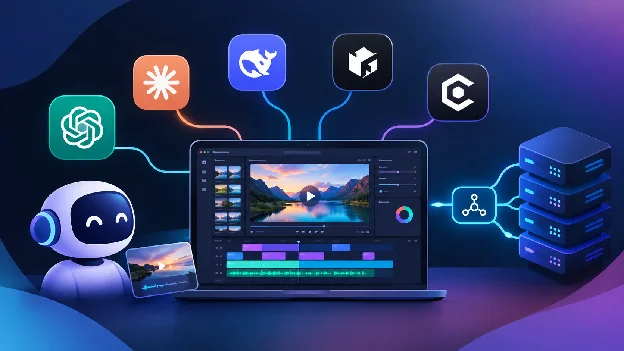
The best MCP server for AI agent video editing in 2026 depends on what you want the agent to do: edit a real timeline you can watch, run FFmpeg locally, render video from data, repurpose long recordings, or call generative models. This guide ranks seven options by how much real editing an agent can complete and how much control you keep afterward. MCP (Model Context Protocol) is the open standard that lets agents like Claude, ChatGPT, Codex and Cursor connect to video tools, so a cut, a caption or a render becomes something you ask for in plain language.
Quick Summary
- Invideo Editor - A hosted editor your own agent edits live, on a real multitrack timeline (Best Overall)
- Kinocut - Guardrailed local FFmpeg MCP server, free and open source (Best Local/Open Source)
- Shotstack - Managed cloud video API with a native MCP server (Best Cloud Rendering API)
- Reap - Clipping, captions and dubbing over MCP (Best for Repurposing)
- OpusClip - Clipping, clip-level editing and publishing over MCP (Best for Clipping and Publishing)
- Wireflow - Hosted MCP server that runs multi-model video pipelines (Best for Pipelines)
- fal.ai - Hosted MCP for 1,000+ generative models (Best for Model Access)
What an MCP Server for AI Agent Video Editing Actually Does
An MCP server is a standard bridge between an AI agent and a piece of software. You point Claude, ChatGPT, Cursor or another MCP client at the server, and the agent discovers the available tools on its own: place this clip, add these captions, render this timeline. Video work becomes something you delegate in plain language instead of wiring up custom API calls.
The servers in 2026 fall into a few groups. Editor-based servers let an agent work inside a visible editing session. Local servers wrap FFmpeg for free, private processing. Cloud APIs render timelines you describe. Repurposing servers turn long videos into clips. Model platforms and workflow platforms handle generation and multi-step pipelines.
1. Invideo Editor (Best Overall)
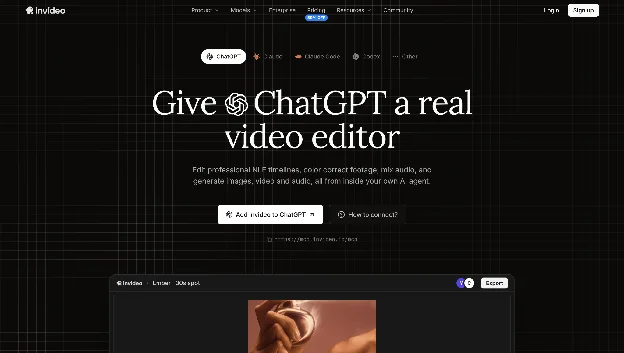
Invideo Editor brings video editing through AI agents to the agents you already use. Claude, ChatGPT, Claude Code, Codex, and Cursor connect over MCP, open a project, and edit the same multitrack timeline you do, with each cut and title landing live under a cursor that carries the agent's name.
You can step in at any frame, restore an earlier checkpoint, and export a video or a project for Premiere Pro, Final Cut Pro or DaVinci Resolve. Agents can also color correct, mix audio and generate media in the same session.
It is an editor you work in alongside the agent, so fully headless rendering from data suits an API-style server better.
Pricing: An invideo account is required, with no API key. The manual timeline is free to use, and plans start at $20/month in the US, UK and Japan, with pricing varying by region.
2. Kinocut (Best Local/Open Source)
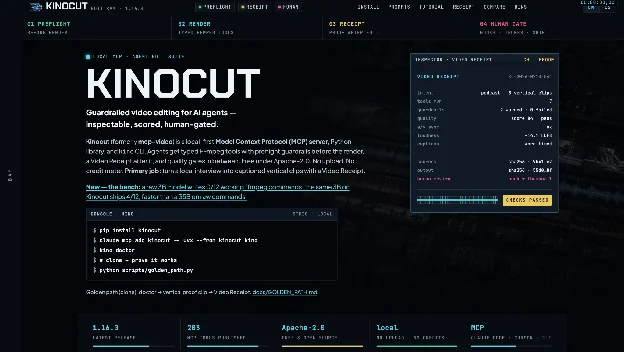
Kinocut (formerly mcp-video) is a free, open-source MCP server that gives agents typed FFmpeg tools to trim, caption, repurpose and quality-check video on your own machine. Its latest release lists 203 MCP tools, plus a Python client and a kino CLI.
Preflight guardrails and Video Receipts are meant to stop an agent from silently producing broken output. Everything runs locally, so rendering uses your hardware and FFmpeg must be installed. It works with Claude Code, Cursor and other MCP clients. For developers editing footage privately, it is the strongest free option on this list.
Pricing: Free and open source under Apache-2.0. Optional AI extras, such as upscaling, add up to several gigabytes of local installs.
3. Shotstack (Best Cloud Rendering API)
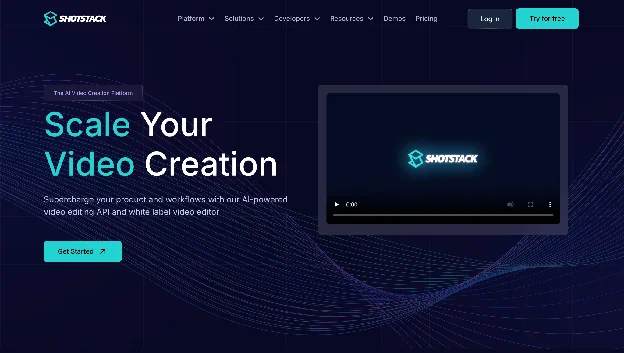
Shotstack is a managed cloud video API with a native MCP server, so Claude, Cursor, ChatGPT, Windsurf and Copilot can describe a video and get a rendered file back. Videos are defined as a JSON timeline of tracks, clips, assets and timing.
That makes it the pick when video is assembled from data, such as a personalized clip per customer record, and there is no infrastructure to run. Its core output is a rendered video, so you mostly review results rather than editing alongside the agent.
Pricing: Billed per rendered minute: pay-as-you-go from about $0.30 per minute, with subscription plans from around $39 a month.
4. Reap (Best for Repurposing)
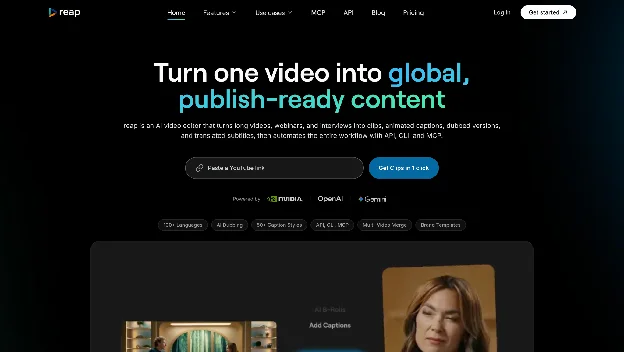
Reap is built for turning long videos into clips, animated captions and dubbed versions, and its hosted MCP server (mcp.reap.video/mcp) lets an agent run that workflow from a chat. Captions cover 100+ languages and AI dubbing covers 80+. Sources can run up to 180 minutes.
Agents can also reframe clips for vertical platforms, with output formatted for 9:16, 1:1 and 16:9, then publish and schedule them. Over MCP it is focused on repurposing existing footage rather than open-ended timeline editing or generation.
Pricing: Free plan with 1 hour of AI clipping and 720p exports. Paid plans start at $9.99/month billed yearly ($16.99 month to month) and include API, CLI and MCP access.
5. OpusClip (Best for Clipping and Publishing)
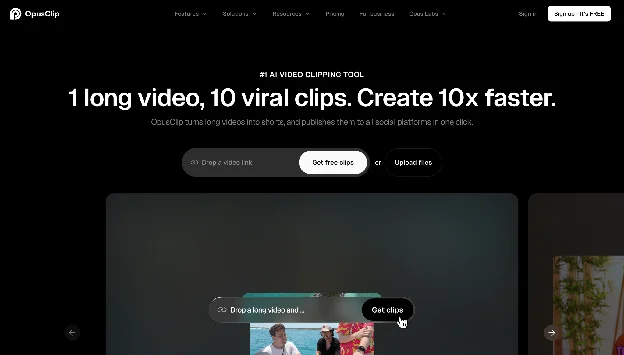
OpusClip has a hosted MCP server (mcp.opus.pro/mcp, OAuth) that lets an agent cut long recordings into ranked, captioned and reframed clips, then post and schedule them. OpusClip documents 27 tools.
It also exposes clip-level editing: an agent can fetch and apply an editing script to trim, rewrite a caption or drop an element, then re-render, and export a Premiere Pro project for a human editor to finish.
By OpusClip's own account, a clip is one continuous range, there is no dubbing, and tool calls need a paid plan.
Pricing: MCP tool calls require a paid plan, with a documented limit of 15 hours or 900 credits per workspace per month and 4 concurrent projects. See OpusClip pricing for plan costs.
6. Wireflow (Best for Pipelines)
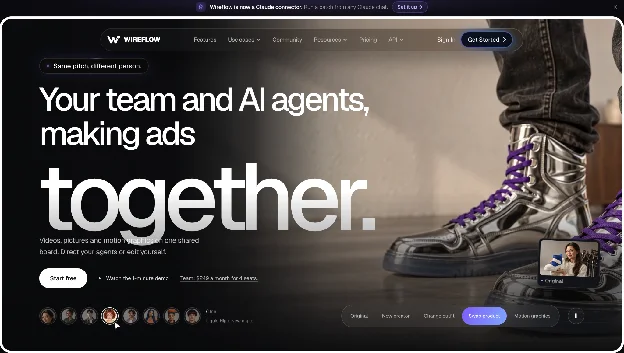
Wireflow is a workflow canvas where you chain generation, editing and composition models into node pipelines, then expose those pipelines to agents through a hosted MCP server. One run_workflow call can generate scenes, stitch shots, add voiceover and compose the final video.
Authentication is OAuth with nothing to install, and workflows are built once and reused, so the same pipeline gives the same structure each run. By its own description it is a workflow platform first, so a quick trim on a local file is better served by a local FFmpeg server.
Pricing: Usage-based, so you pay for model runs rather than a seat license.
7. fal.ai (Best for Model Access)
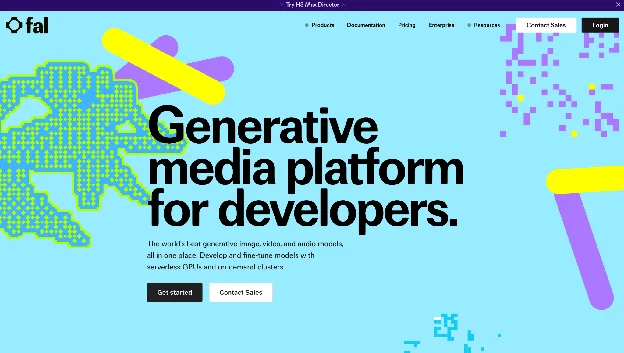
fal.ai runs a hosted MCP server at mcp.fal.ai/mcp that lets an agent search, run and chain more than 1,000 generative models across image, video, audio and 3D. Its nine tools include search_models, run_model, submit_job for long-running jobs, and get_pricing, so an agent can check a price before it spends.
It generates but does not edit: there is no timeline, so the agent has to handle sequencing itself. Connecting needs an API key, and fal notes that Claude Desktop and claude.ai custom connectors, which require OAuth 2.0, are not yet supported.
Pricing: The MCP server is free. You pay per model run, billed on output such as per image or per second of video.
Comparison Table
| Tool | Runs | Editing approach | Generates media | Pricing |
|---|---|---|---|---|
| Invideo Editor | Hosted (invideo account) | Multitrack timeline shared live with the agent | Yes | Manual timeline free; plans from $20/mo (US, UK, Japan) |
| Kinocut | Local | Typed FFmpeg tools | Optional AI extras | Free (Apache-2.0) |
| Shotstack | Hosted | JSON timeline rendered in the cloud | Not the focus | About $0.30/min pay-as-you-go; plans from about $39/mo |
| Reap | Hosted | Clips, captions, reframing, dubbing | Not the focus | Free plan; from $9.99/mo (billed yearly) |
| OpusClip | Hosted | Clip-level edit scripts, Premiere export | Not the focus | Paid plan required for MCP |
| Wireflow | Hosted | Pipeline-level workflows | Yes, multi-model | Usage-based |
| fal.ai | Hosted (API key) | None, model calls only | Yes, 1,000+ models | Free server; pay per run |
How to Choose
Match the server to what you want the agent to do and how much you want to see. If you want to watch the agent work and step in on a real timeline, Invideo Editor is the closest fit. If the job is one operation on local footage, Kinocut is simpler and free. If video is assembled from data, Shotstack renders it with no human in the loop, and if the job is repurposing long recordings, Reap and OpusClip are purpose-built.
Also weigh where the compute runs and how you sign in. Local servers are free and private but use your hardware, while hosted servers scale but meter usage. Several of the hosted servers here sign you in with OAuth, while fal.ai needs an API key, which matters if you want to connect from the Claude apps.
FAQ
What is an MCP server for AI agent video editing?
It is a server that implements the Model Context Protocol and exposes video operations, such as trimming, captioning, rendering or generation, as tools an agent can discover and call. The agent connects once and works in natural language instead of custom integration code.
Which MCP server is best for AI agent video editing in 2026?
It depends on the job. Invideo Editor is the strongest pick for editing a real timeline alongside your agent, Kinocut is the best free local option, and Shotstack is the best managed cloud renderer.
Are there free MCP servers for video editing?
Kinocut is free and open source. The fal.ai MCP server is free to connect, with pay-per-run model pricing. Reap has a free plan, but MCP access is included only on paid plans.
Can Claude or ChatGPT edit video?
Yes, once a video MCP server is connected. Invideo Editor works with Claude, ChatGPT, Claude Code, Codex and Cursor, among other MCP clients.
Do I need to install anything?
Not for hosted servers, which you connect by URL and sign-in or API key. Local servers such as Kinocut need Python and FFmpeg installed.
What is the difference between an MCP server and a video editing API?
An API needs you to write and maintain integration code for each endpoint. An MCP server describes its tools to the agent when it connects, so the agent can call them directly. Several platforms here, including Shotstack and Reap, offer both.
Can these servers generate video, or only edit it?
It varies. fal.ai generates but does not edit. Kinocut, Shotstack, Reap and OpusClip mainly process or render existing footage. Wireflow chains generation and editing, and invideo can generate media inside the editor as well as edit the timeline.
Can I edit alongside the agent?
With invideo, yes: you and the agent work in the same project, you see each edit land live, and you can make your own edits at any time. Most of the other servers return a rendered file or clips for you to review.
Conclusion
The MCP layer turned video editing into something you can hand to an agent, and the seven servers above cover the main ways to do it in 2026: Kinocut for private local work, Shotstack for cloud rendering, Reap and OpusClip for repurposing, Wireflow for pipelines, and fal.ai for raw model access. Invideo Editor earns the top spot because the agent edits a real timeline you can watch, change and export to Premiere Pro, Final Cut Pro or DaVinci Resolve. Start with the server that matches the job your agent actually does.


Services
Resources
Contact
Plot No. 17, S/F, Kh. No. 31/24/17/14 and 25, Sector 7 Dwarka, New Delhi, India
Email: [email protected]
Skype: live:5unnykum4r